Cutline Studio English
- ダウンロード商品¥ 980
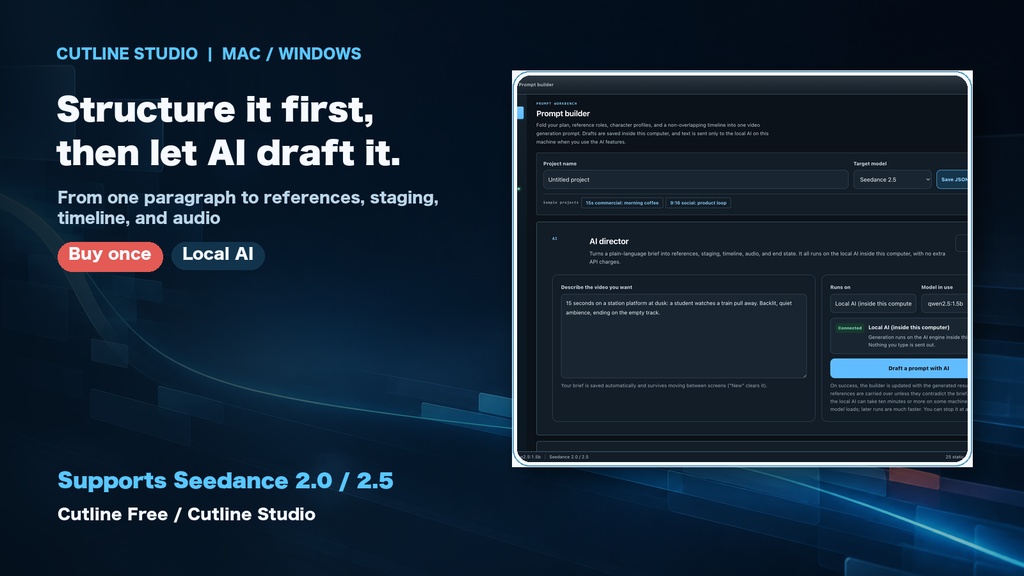
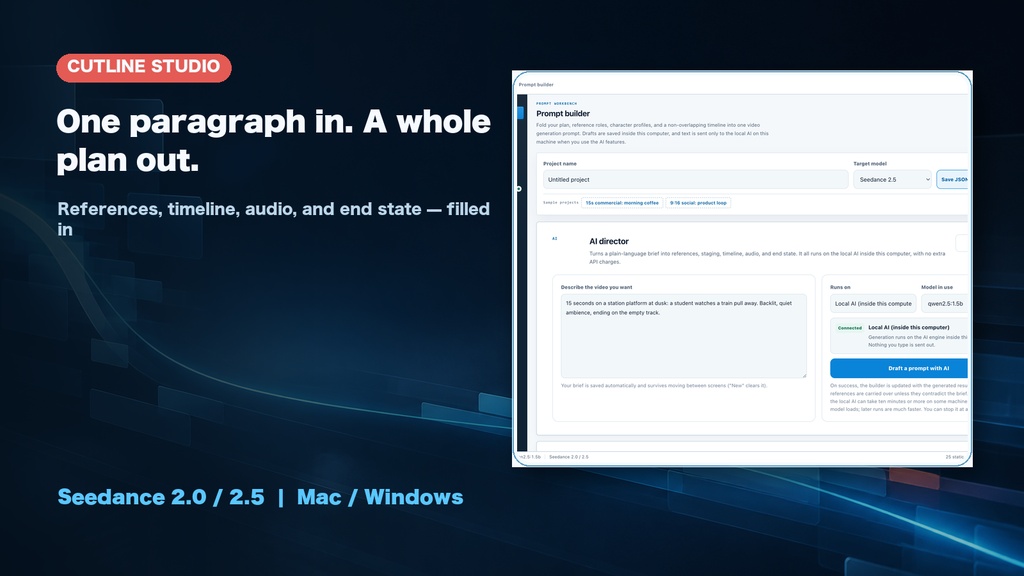
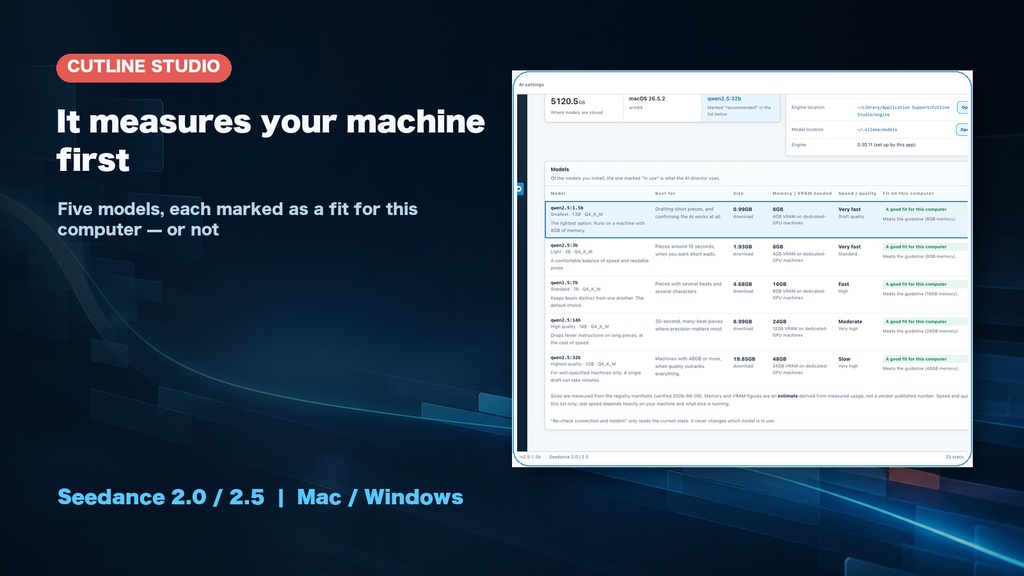
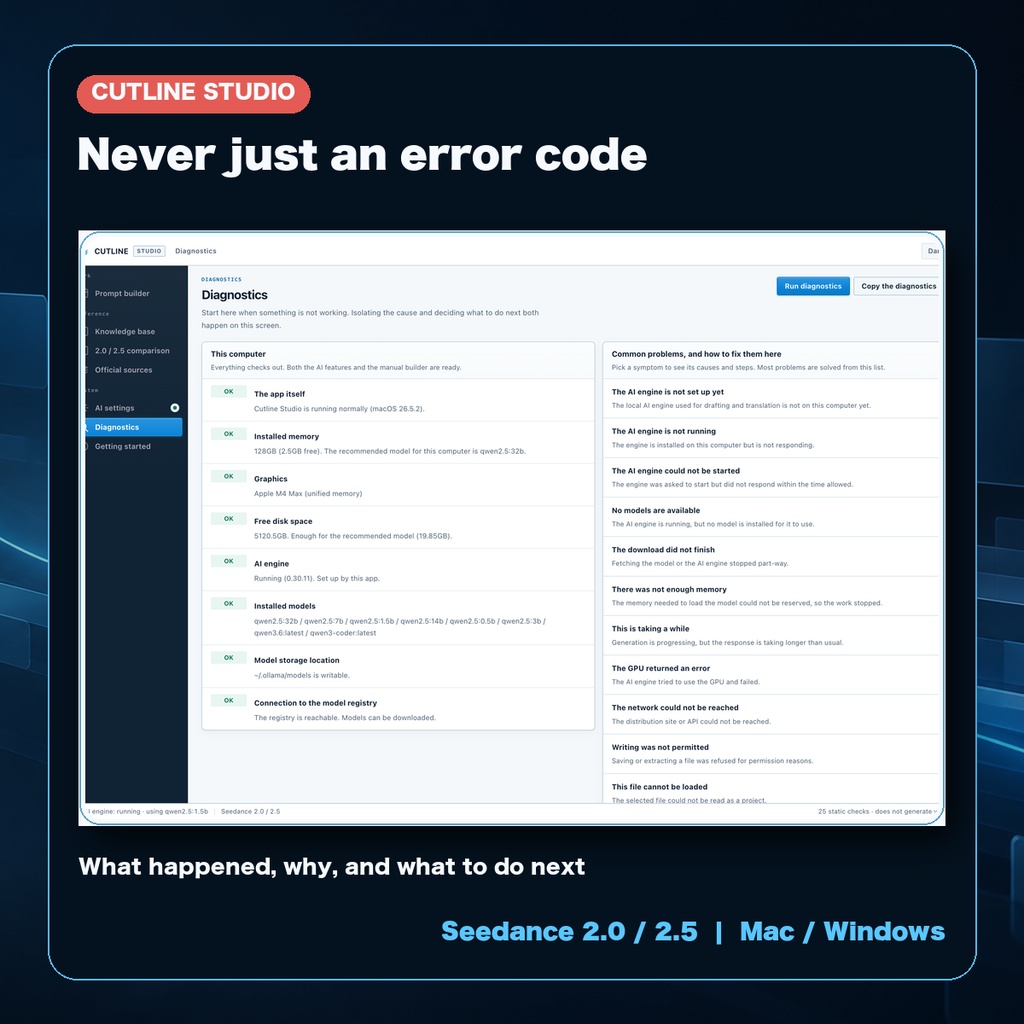
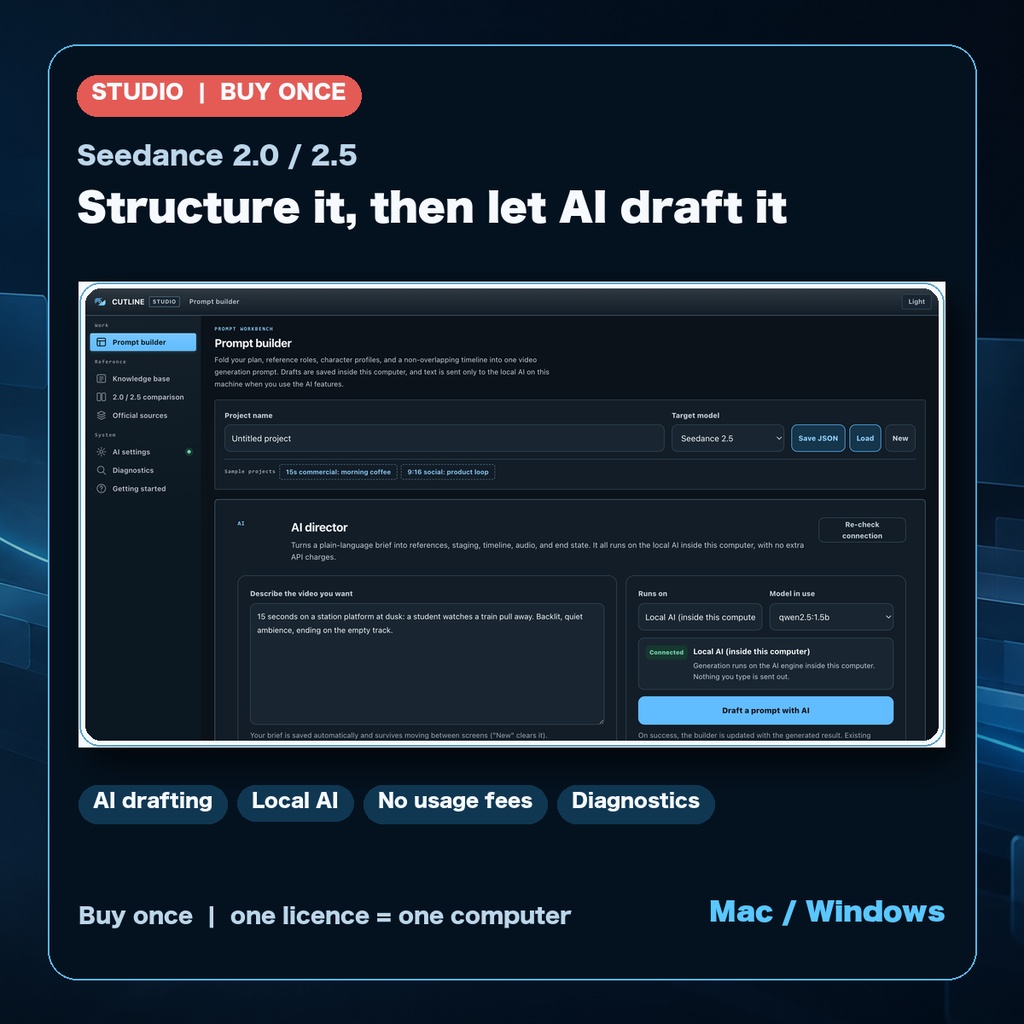
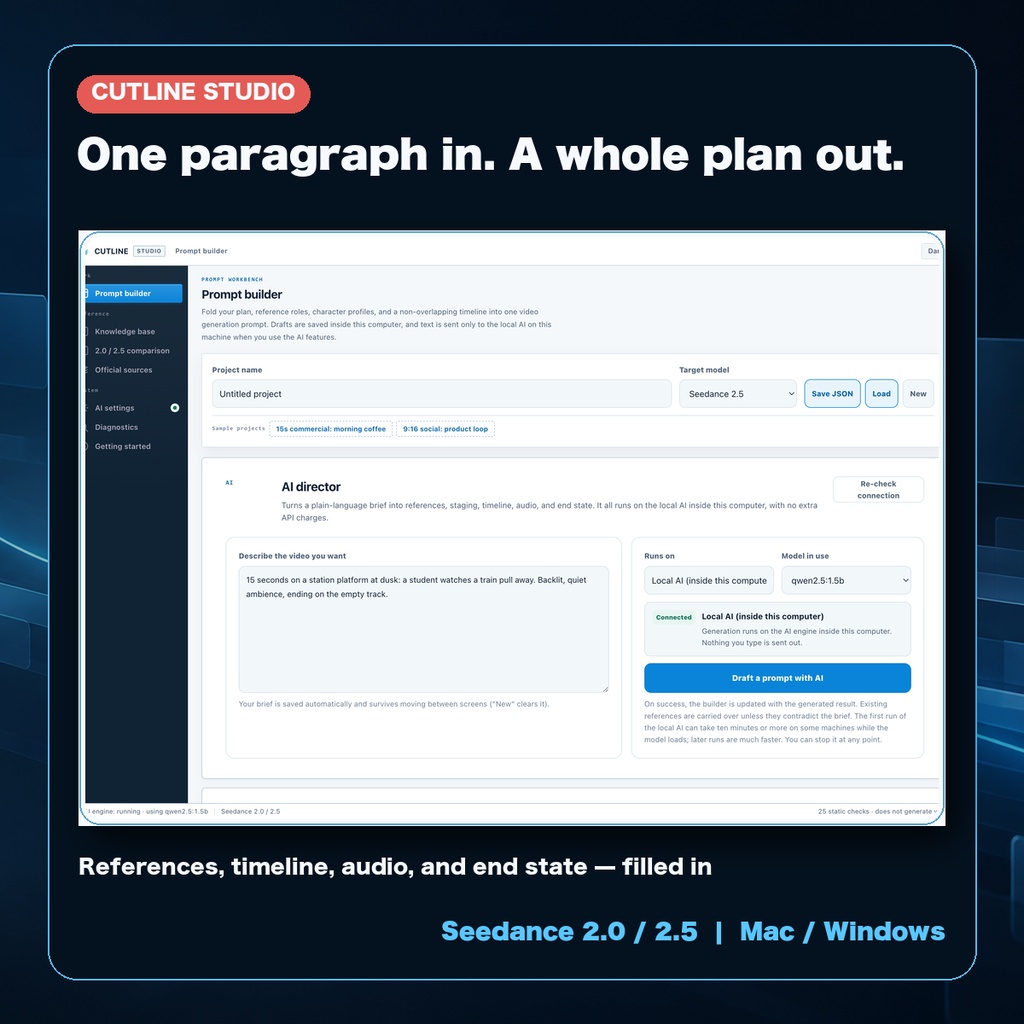
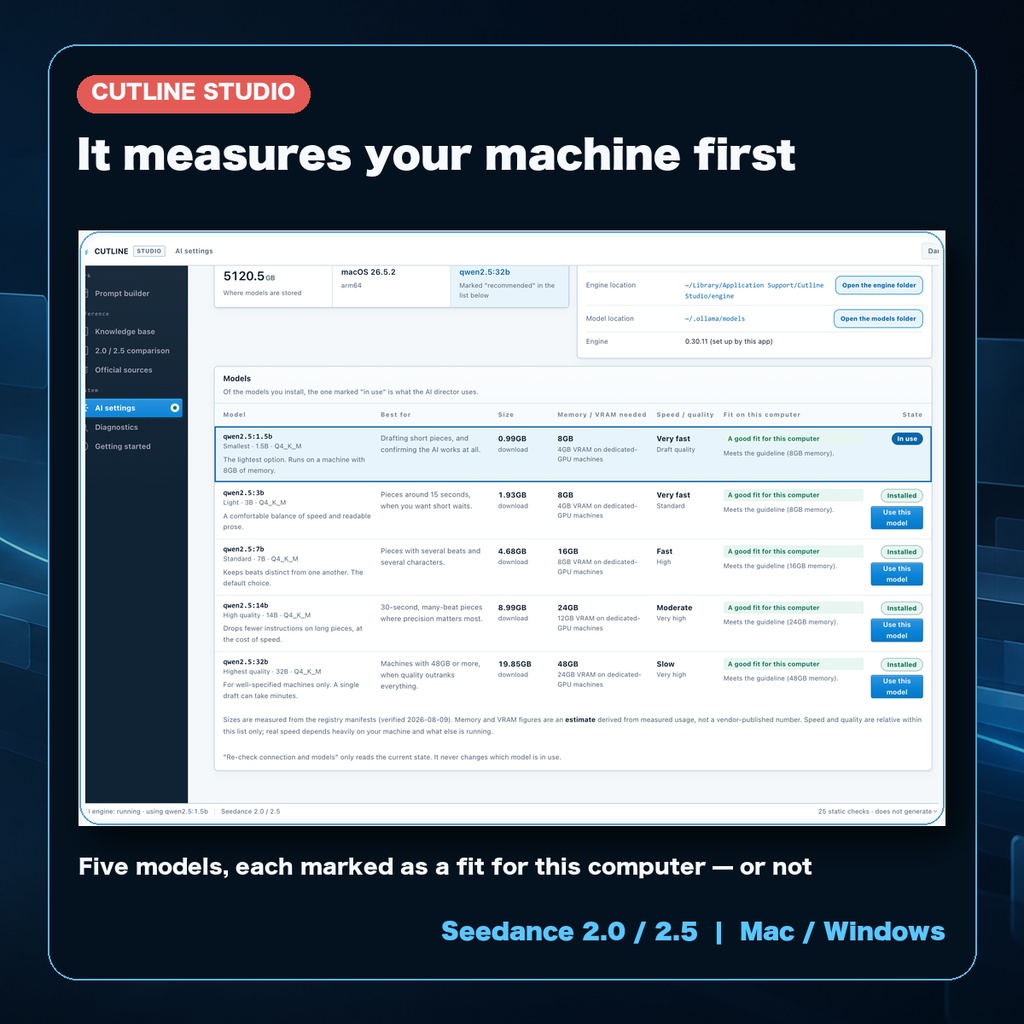
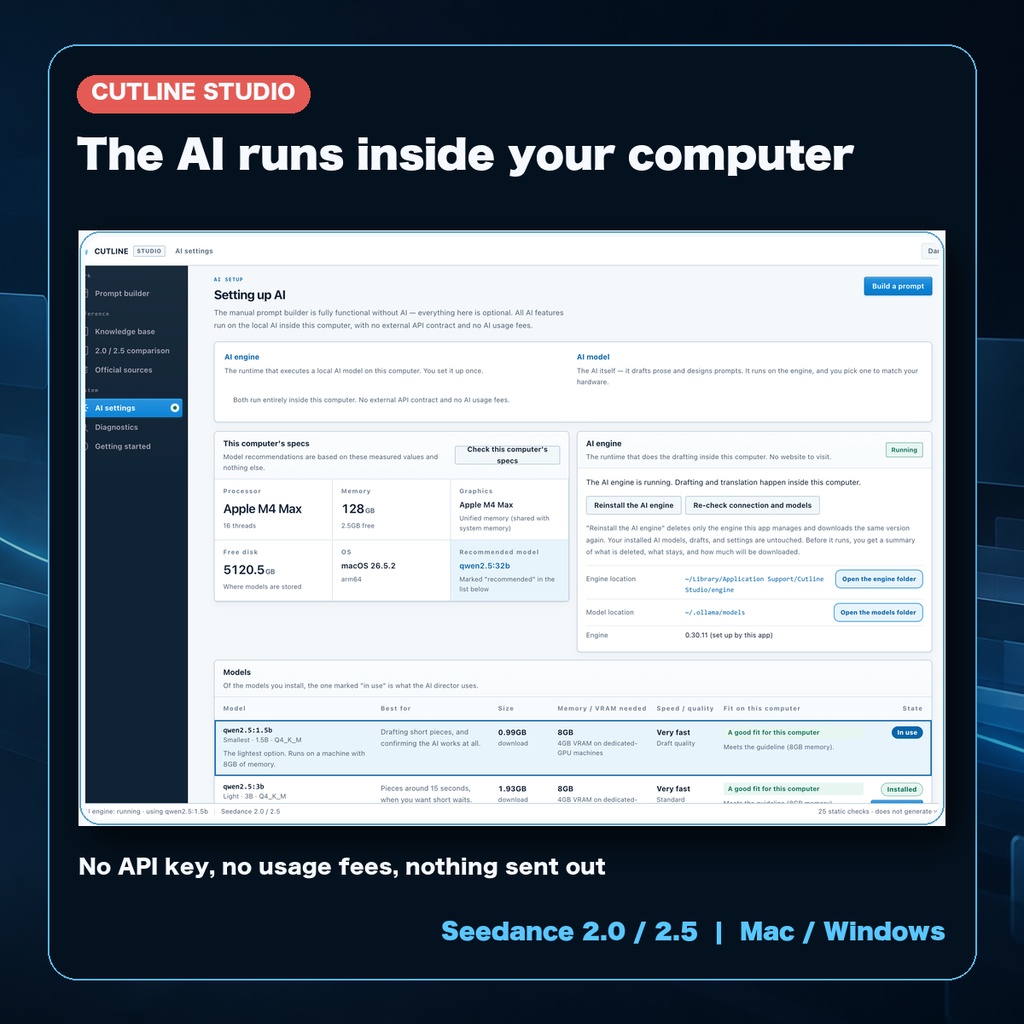
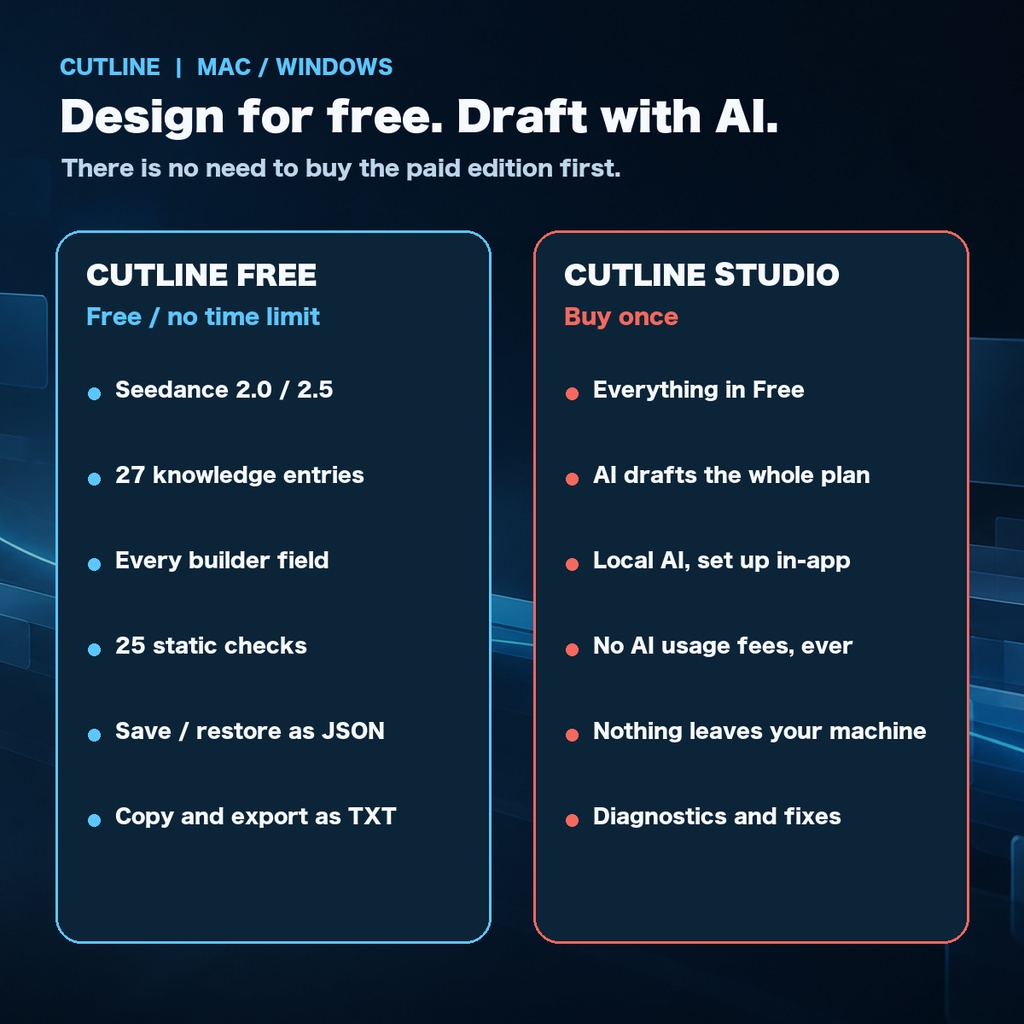
Cutline Studio | A prompt design app for Seedance 2.0 / 2.5 (Mac / Windows) Turn a plan into a video generation prompt with references, characters, time, camera, audio, and end state all worked out.** Cutline Studio is a desktop app for designing and checking the conditions of a shot before you generate it with Seedance 2.0 or 2.5. It does not generate video or audio. It builds the prompt you paste into a generation service, and gives you a way to review it before you send. ▶ Try the free edition first, and check how it runs on your machine: [Cutline Free (free)](https://beloveddog.booth.pm/items/8725686) ⚠ Read this before buying: your OS will warn you at install time When you install and launch the app for the first time, your operating system will show a security warning. Nothing is broken and no file is damaged. The app does not carry a paid code signature, so the OS reports that it cannot verify the publisher. You can continue with the steps below. - **Windows**: "Windows protected your PC" → **More info** → **Run anyway** - **Mac**: "cannot verify the developer" → **right-click** the app (or Control-click) → **Open** → **Open** again On a Mac this is only needed the first time; after that a normal double-click works. The same steps are in "Read me first.txt" inside the download and in the bundled manual. You can see the same warning in advance with the free edition. Who this is for - You write your Seedance prompts from scratch every time - Reference images, characters, timing, camera, and audio get muddled part-way through - You want to catch overlapping beats and missing reference numbers before you generate - You want to draft unreleased work inside your own computer rather than handing it to an outside AI service What Cutline Studio does 1. Breaks a plan into something you can check before generating You work down the page: basics, references, characters, timeline, audio, end state. Reference numbers such as `@Image 1` are mapped to roles, and time ranges are built without overlapping. 2. Lets you edit and save the finished prompt The finished prompt is directly editable. Copy, export as TXT, and save and restore as JSON. 3. Shows you 25 static checks before you send Overlapping time ranges, missing reference numbers, a missing end state, and phrasing that will not read as a visual instruction all come back as errors, warnings, or information. The static checks do not guarantee a successful generation or result quality; check character consistency, dialogue, pronunciation, and physics in the real output. 4. Drafts your plan with a local AI The paid edition turns a paragraph of description into a builder draft — basics, references, characters, timeline, end state — which you then finish by hand. The AI runs inside your computer: no external AI service contract, API key, or metered API billing. Only first setup downloads the engine and a model. 5. Helps you isolate a problem yourself The Diagnostics screen checks memory, free disk space, the AI engine, and the network, with fixes by symptom and reset options. Free vs paid What Cutline Free (free) already gives you - 27 knowledge entries, with evidence level and verification date - The manual prompt builder - Seedance 2.0 / 2.5 switching and comparison - 25 static checks - Direct editing of every section of the finished prompt - Save and restore as JSON, export as TXT - Sample projects, and a check of your computer's specs What Cutline Studio (JPY 980) adds - AI drafting of a whole plan - Local AI set up from inside the app - The Diagnostics screen (automatic diagnostics, fixes by symptom, reset) If designing by hand is all you need, there is no reason to buy the paid edition. Try the free one first, and come back only when you want drafting and diagnostics. What is in the download (v1.0.6) - `Cutline-Studio-1.0.6-English.pkg` — Mac installer (Apple Silicon and Intel) - `Cutline-Studio-1.0.6-English.exe` — Windows installer (64-bit) - `Cutline-Studio-Manual-EN.pdf` — the user manual, with real screenshots - `Cutline-Studio-Uninstaller-macOS-English.zip` — Mac uninstaller Requirements - Mac: macOS 14 or later recommended. Apple Silicon and Intel - Windows: Windows 10 22H2 or later, 64-bit - Local AI: 8GB of memory or more recommended. The manual builder has no memory requirement A network connection is needed only for the first download of the AI engine and models. The manual builder, and the local AI once set up, work offline. Please read before buying - This app does not generate video or audio. It designs and checks the prompt you hand to a generation service. - It targets Seedance 2.0 and 2.5. There are no features specific to Sora, Veo, or Kling. - The paid edition is licensed one computer per licence. A Mac and a Windows machine means two licences. - Sharing, transferring, or redistributing the application, and analysing it to obtain or reuse its internal implementation, are not permitted. Nothing in Cutline Studio restricts personal or commercial use of the prompts you create with it. - As a digital product, refunds and cancellations are not possible after download. Please confirm that it launches and behaves as you expect using the free edition first. Specifications for Seedance and similar services can change without notice. If the app's display differs from the service you are using, treat the service's current display as authoritative. Cutline Studio is an independently developed prompt design tool. It is not supplied
Cutline Free
https://beloveddog.booth.pm/items/8725686
Official website
https://beloveddogjp-creator.github.io/cutline-studio-english/